


Everything you need to track receipts with confidence
Capture receipts anywhere
Scan paper receipts with your iPhone camera and watch QuickReceipts automatically extract merchant name, date, total, tax, and tip. On-device processing means your data never leaves your phone.
Import email receipts directly from Gmail with automatic syncing, or upload images from your photo library. No forwarding, no manual entry - just instant digitization.
Point and shoot for instant capture.
Auto-import emails from your inbox.
Add receipts from your camera roll.
Create receipts without an image.
Organize receipts your way
Create custom tags to categorize receipts however makes sense for you. With 10 tags on the free plan and 100 on Pro, you have the flexibility to organize simple or complex.
Flag important receipts for quick access, add notes to remember context, and create folders for different projects or time periods. Find anything instantly with powerful search capabilities.
Categorize receipts however you want to.
Add context and mark important receipts.
Tagged receipts are organized on your list.
Find receipts by date, vendor, amount, or tag
Export reports when needed
Create expense reports in seconds for taxes, reimbursements, or budgeting. Filter receipts by date range and tags to include exactly what you need—nothing more, nothing less.
Export as PDF for easy sharing, CSV for spreadsheet analysis, or ZIP files with all receipt images included. Perfect for submitting to your accountant, employer, or keeping your own records organized.
Flexible filtering
Select receipts by date range and tags.
Formatted reports with receipt images.
Import data into Excel or other tools with CSV.
Email, text, or save reports directly in-app.
Track your spending with ease
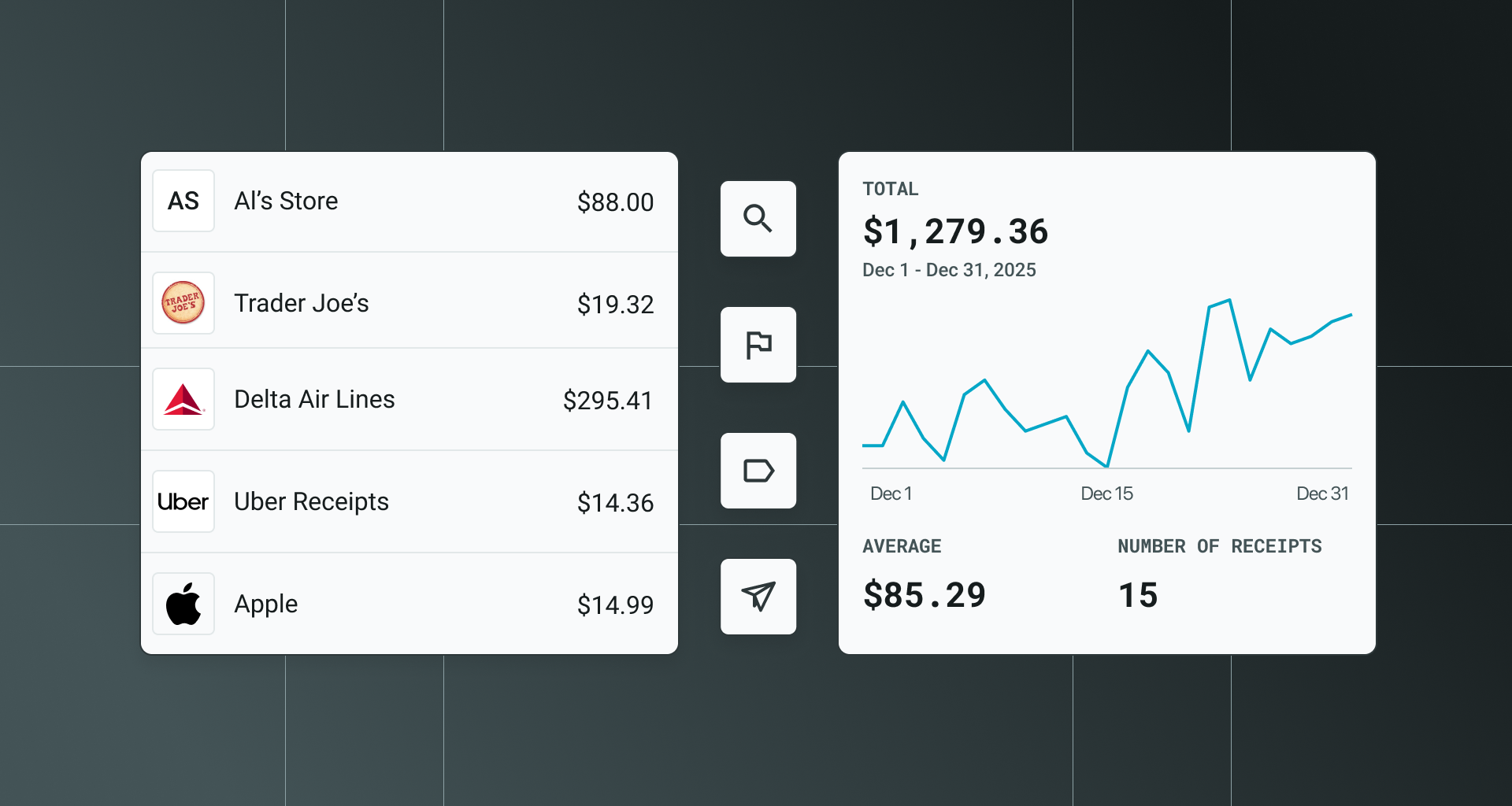
See where your money goes with weekly, monthly, and yearly spending overviews. Break down purchases by vendor to identify your biggest expenses, or filter by tags to analyze specific categories like groceries, gas, or client meals.
Quick Insights uses on-device intelligence to surface helpful information about your purchases - all without sending your data anywhere.
View summaries by week, month, or year.
See total spending grouped by vendor.
Analyze purchases by your tagged receipts.
On-device intelligence about spending patterns.
Control where your data lives
On-device processing means your receipts are scanned, analyzed, and stored directly on your iPhone — not in the cloud.
Most apps store your financial information on external servers by default. QuickReceipts does the opposite: everything stays local unless you choose to enable cloud backup with Pro. You're always in control of where your receipts live.

Receipt scanning happens locally on your iPhone.
Your data is stored locally on your phone by default.
QuickReceipts is even better with Pro
Unlock up to 100 customizable Pro tags, automatic backups, multi-device access, and more. See how Pro makes QuickReceipts an even better experience.
.png)

Frequently Asked Questions
How does on-device processing work?
On-device processing means your iPhone analyzes receipt images locally using its own processor - not by sending data to external servers. When you scan a receipt, QuickReceipts extracts the merchant, date, total, and other details right on your device. Your data never leaves your phone unless you choose to enable cloud backup with Pro.
Can I export my receipts?
Yes. You can export receipts as PDF reports (with images), CSV files (for spreadsheets), or ZIP files (with all images bundled). Filter by date range and tags to include exactly what you need.
What's the difference between 10 and 100 tags?
Tags help you categorize receipts like "Groceries," "Gas," or "Client Lunches." The free plan includes 10 tags, which works great for personal use. Pro's 100 tags are ideal for freelancers, consultants, or anyone managing multiple projects or clients who need more granular organization.
How does the Gmail integration work?
Connect your Gmail account and QuickReceipts automatically imports email receipts from merchants. Your last month of receipts syncs automatically, and you can import older receipts as needed. No forwarding required - just instant access to your digital receipts.
Is my data secure with cloud backup?
Yes. We use industry-standard encryption to protect your data. Cloud backup is optional - you can keep everything on-device if you prefer.
What happens to my receipts if I cancel Pro?
Your receipts stay safe. You'll keep access to all your data on your iPhone with the free plan. Cloud backup and multi-device sync will no longer be available, but your local receipts remain intact and fully accessible.
Can I use QuickReceipts on multiple devices?
Free plan users can only access receipts on one device (data stays local). Pro users can access receipts from any iPhone or iPad signed in with the same email used to create a QuickReceipts account - everything syncs automatically.